Are you a self-employed individual or a small business owner who is looking for an easy way to pay for your government contributions? If you are, then we have good news for you!
You may now pay for your government contributions for Social Security System (SSS) and Home Development Mutual Fund (Pag-IBIG) through Taxumo!
Follow these simple steps to start paying your government contributions in Taxumo:
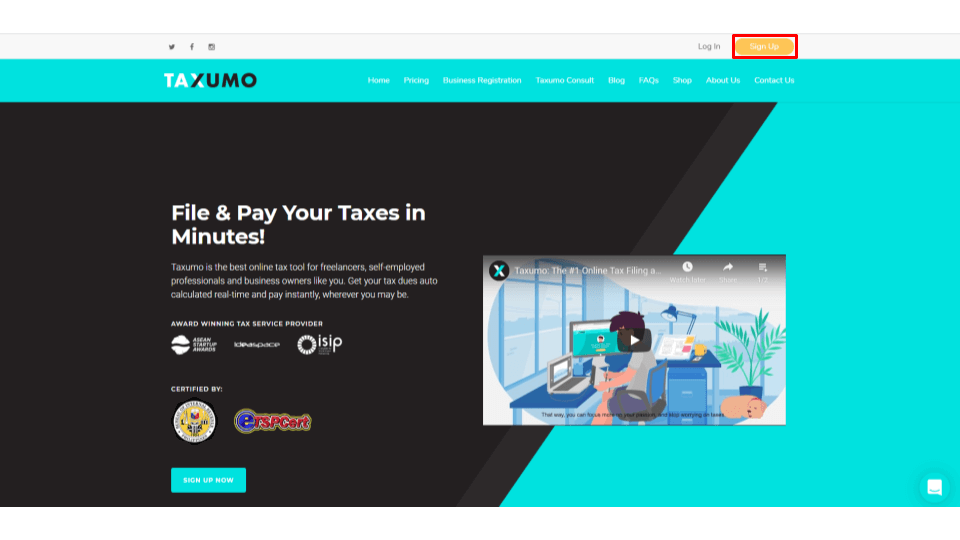
1. Sign-up for a FREE Taxumo Account by going to www.taxumo.com and clicking on the Sign-up button.
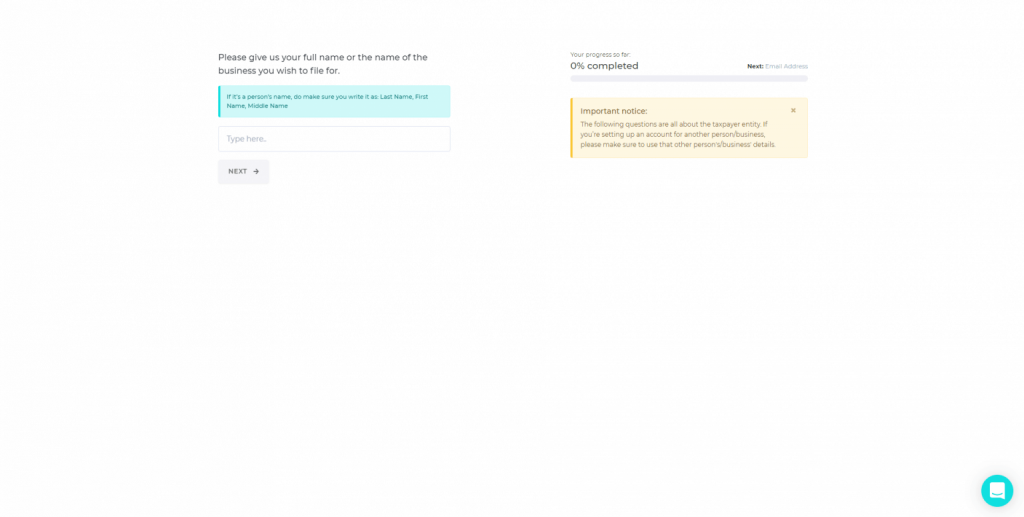
2. Since Taxumo is an online tax filing platform, you will need to register your business details first
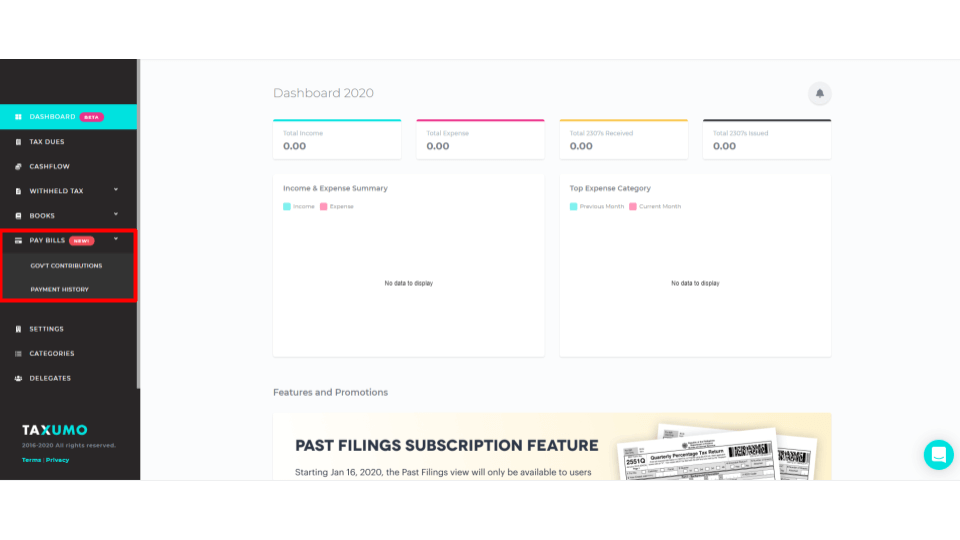
3. After Signing-up, go to Pay Bills and select Government Contributions
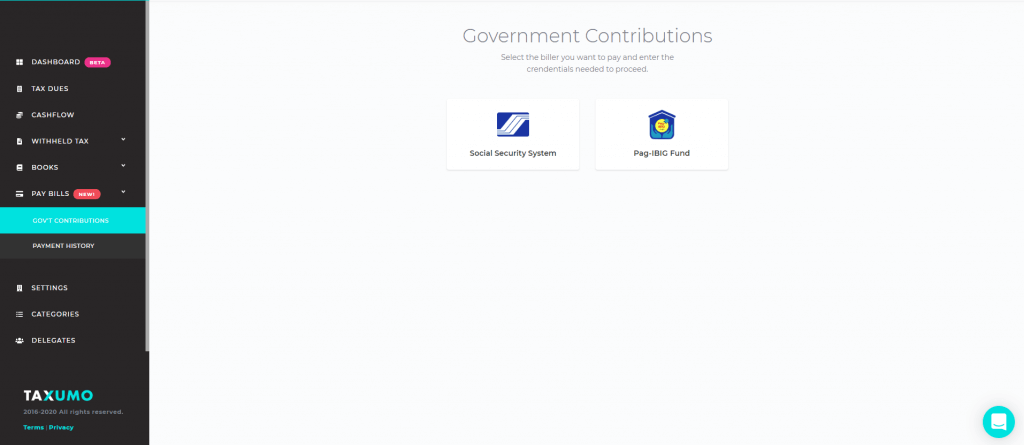
3. Select the Government Contribution that you wish to pay and follow the instructions on-screen to proceed.
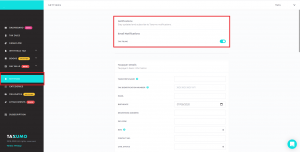
4. If you don’t plan on filing taxes soon, you can turn off tax filing email notifications under the settings tab