

Skip to content

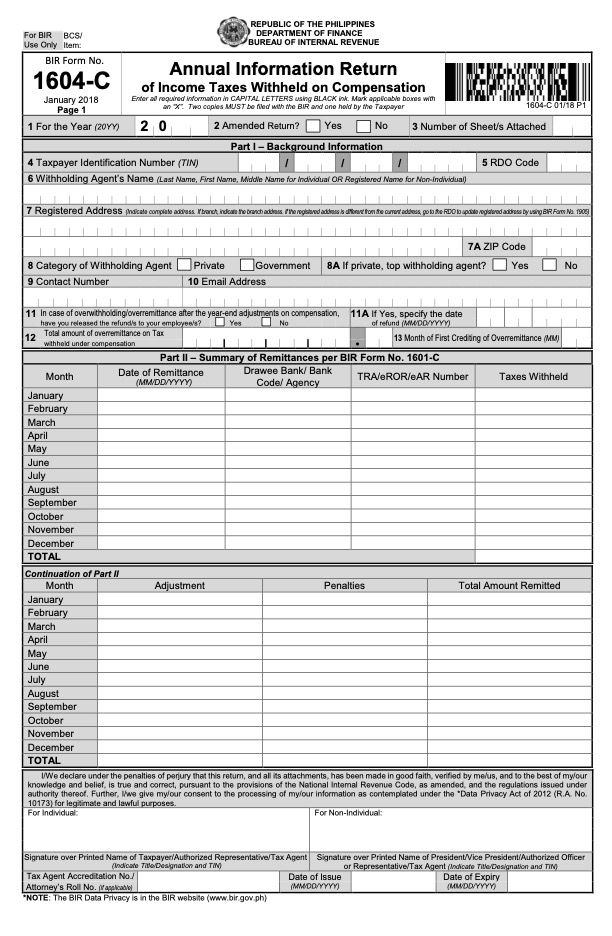
BIR Form 1604C​

Employers are required to file BIR Form 1604-C, the Annual Information Return of Income Taxes Withheld on Compensation, covering all employees’ compensation withholding taxes for the year. With Taxumo, this can easily be prepared, filed, and paid online.

Certified by:
etsp
etsp
Time Left To File
00d 00h 00m 00s

About Form 1604C

Full Name

Annual Information Return of Income Taxes Withheld on Compensation

Issued by

Bureau of Internal Revenue (BIR)

Current Version

January 2018 (ENCS)

Who must File

Every Employer (individual or corporation) who has employees and is required to withhold taxes on their salaries. Even if your employees are all Minimum Wage Earners (who are tax-exempt), you still file this to report their total earnings.

VAT Threshold

Not Applicable. Your obligation as an employer to report compensation is independent of your VAT status.

Filing Channel

eFPS, eBIRForms, or online tax software providers (TSPs) like Taxumo.

Deadline

Next Deadline

January 31

*Dates above are the Bureau of Internal Revenue’s (BIR) official deadlines. Taxumo sets its deadlines 2-3 days prior to ensure your filings are processed and submitted on time.

Frequently Asked Questions

BIR Form 1604C is the Annual Information Return of Income Taxes Withheld on Compensation. Employers use it to summarize all withholding taxes deducted from employees’ compensation for the entire year.


All employers who withhold taxes from employees’ salaries and compensation are required to file BIR Form 1604C annually with the Bureau of Internal Revenue (BIR).

The form summarizes all compensation paid to employees and the corresponding withholding taxes deducted throughout the year. It is supported by the Alphalist of Employees and BIR Form 2316.

BIR Form 1601C is used for monthly reporting of withholding tax on compensation, while BIR Form 1604C is the annual summary return covering all compensation withholding taxes for the year.

Yes. Taxpayers can file BIR Form 1604C electronically through eBIRForms or eFPS, and submit the required alphalist attachments through the BIR eSubmission system.

  1. Log in to your Taxumo account.
  2. Go to Withholding Tax filings and select 1604-C.
  3. Input your employees’ compensation and withheld taxes for the year.
  4. Review the summary – Taxumo auto-prepares the form.
  5. Click “File Now” to submit electronically.
  6. Pay online using Taxumo’s payment partners (GCash, Maya, online banking, etc.).
  7. Get confirmation – Taxumo stores your BIR acknowledgement and a copy of the filed 1604-C in your account.

Failure to file may result in BIR penalties, including surcharge, interest, and compromise penalties, depending on the violation.

Use Taxumo today!

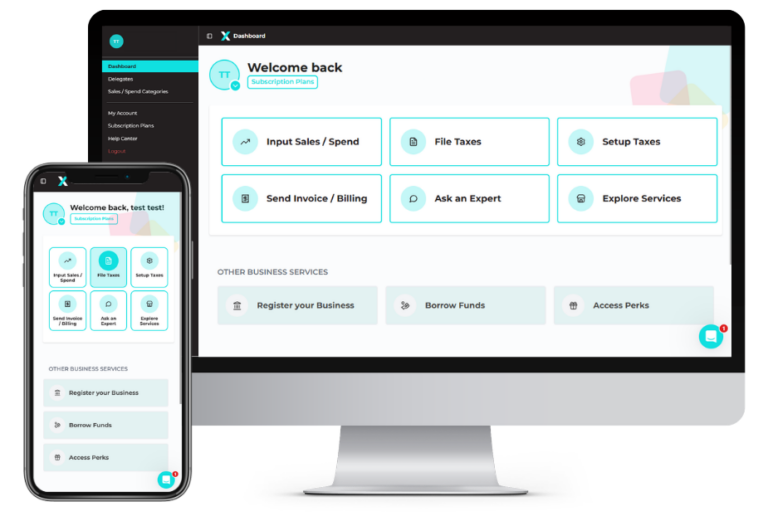
Automate your tax filing with Taxumo. Easily calculate your taxes, generate BIR forms and e-invoices, and track your cash flow in real-time. Pay your dues via e-wallet, card, or installments—anytime, anywhere, on any device.

Stop stressing over taxes!

Join 100,000+ users who trust the #1 online tax tool. File in minutes, get expert guidance, and pay in flexible installments.
Maybe Later