Taxumo makes this filing automatic and easy. Here’s how:
Log in to your Taxumo account (or create one if you don’t have yet).
Encode your income and expenses (or just income if you’re on 8% flat tax).
Taxumo will automatically:
Compute your tax due based on your chosen tax type (8% or graduated).
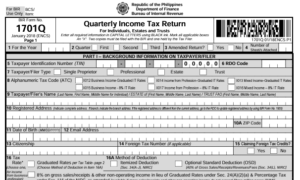
Fill out the BIR Form 1701Q correctly.
Generate the tax returns for you.
Review & file: Just click “File Now” and Taxumo will file and pay online directly to the BIR and accredited banks/e-wallets.
You’ll receive your BIR confirmation and payment receipt in your Taxumo dashboard—no need to go to the RDO or bank.